✓Your order is complete

Congratulations. You are in.

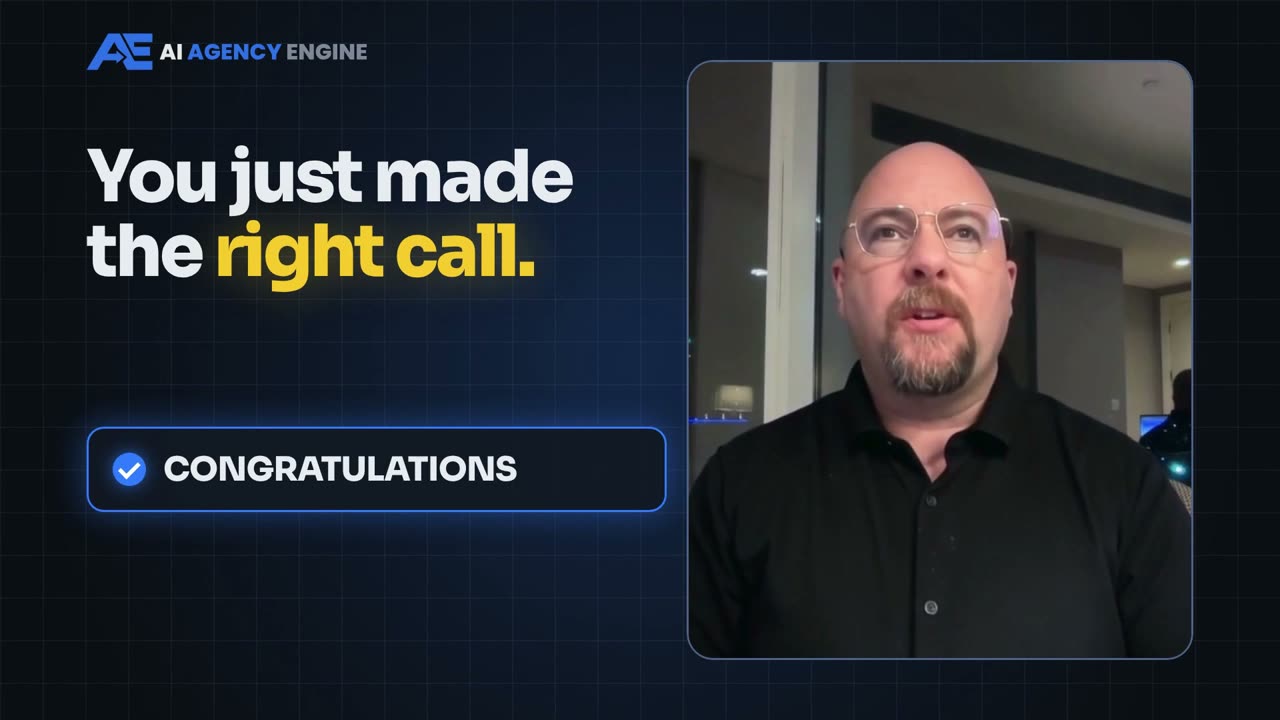
You just made one of the smartest moves you will make this year. Everything you bought, at every level, is right here. Watch this short video first, then follow the 4 steps below, in order.
  1. 1Get in Discord
  2. 2Install Murage
  3. 3Bookmark your Resources
  4. 4Show up live
Sean welcomes you to The AI Agency Engine
Step 1 · Do this now

Get in Discord. Everything happens there.

Your live links, the replays, your homework, and a private room for every level you bought.

✓ You are connected. Step 1 is done. Open Discord and start in #start-here.
2. Get In Discord Now →Log in to Discord, click Authorize, and your rooms unlock on their own.
1
Step 1, in detail

Exactly what happens when you click.

Takes about a minute. No Discord account yet? It makes you one, free.

  1. Type the email you bought withIn the box above. The one you paid with, not your Discord email.
  2. Click the blue Get In Discord Now buttonIt opens Discord's own login page.
  3. Log in to DiscordNo account? Click Register on that page. It is free and works in your browser, on your computer or on your phone.
  4. Click AuthorizeThat lets us add you to The AI Agency Engine server and switch on your rooms.
  5. You are inYou land on a "You're connected" page. Click Open Discord and start in #start-here.
AI Agency Engine
The Masterclass
start-hereStart here
masterclassThe main room
session-replaysEvery replay
resourcesDownloads
Levels
red-carpetRed Carpet
client-machineClient Machine
intensiveIntensive
You see the rooms for the levels you bought. If a room you paid for is missing, see "I'm in Discord but my room is missing" at the bottom of this page.
5-Day Live Masterclass

Masterclass#masterclass, #session-replays, #resources

Red Carpet VIP

Red Carpet VIPYour private #red-carpet room

Client Machine

Client MachineYour private #client-machine room

First Client Intensive

First Client IntensiveYour private #intensive room

Complete Package

Complete PackageEvery room above

2
Step 2 · Before Sunday, November 8

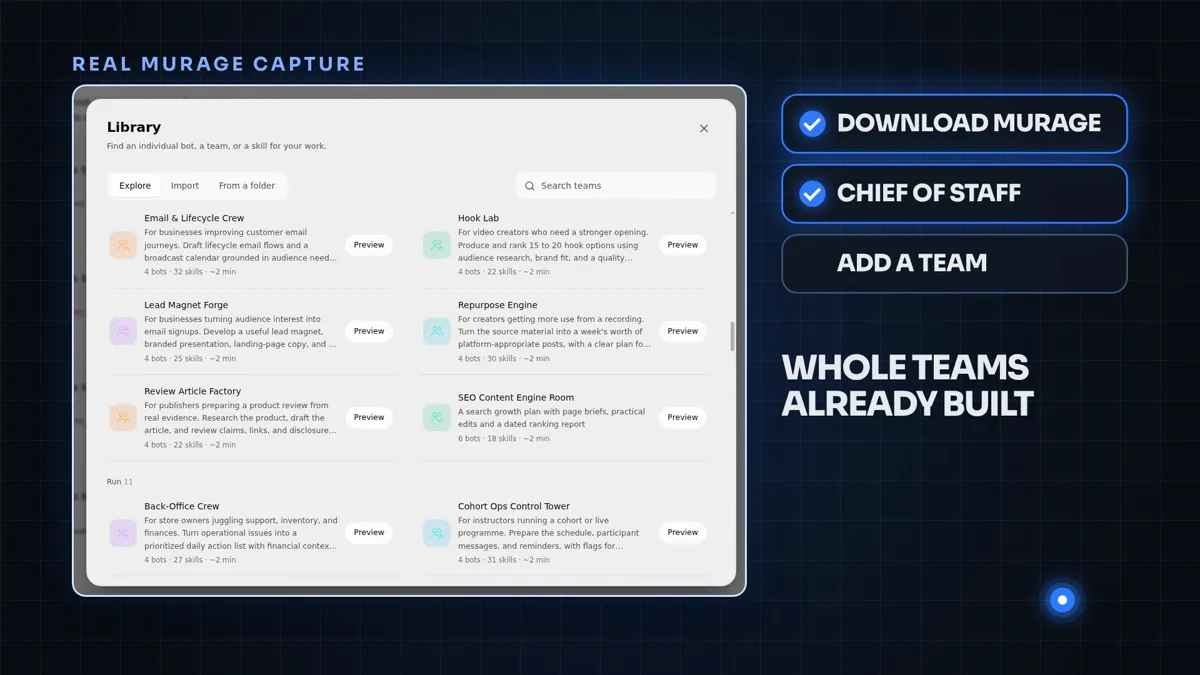
Install Murage. Free, about 3 minutes.

It lives on your own computer. We check everyone is installed live on Sunday night.

Murage library with whole teams already built
  1. Open the Murage pageThe button below. It walks you through it.
  2. Download and installFree. Mac or Windows. About 3 minutes.
  3. Open it onceThat is all you need before Sunday. We do the rest together, live.
Get Murage Free →
3
Step 3 · Bookmark it

Your Resources Doc. Every link in one place.

The schedule, and the replay, notes, slides and homework for every session. We add to it after each one.

AI Agency Engine: Resources
Start Here
Discord, Murage, schedule
Day 1: Set up your AI business
Replay: Watch the replay
Cliff Notes and Transcript: Open the notes
Slides and Homework
Day 2: The money path
Replay, Cliff Notes, Slides, Homework
  1. Open itThe gold button below.
  2. Bookmark itPress Ctrl+D on Windows or Cmd+D on a Mac. On your phone, tap Share and Add to Home Screen.
  3. Come back after each sessionThe replay and the cliff notes land in it after every session.
Open Your Resources Doc →
4
Step 4 · Put it in your calendar

Show up live. Here is the week.

Live with me, every day. Your Zoom links arrive by email and are posted in Discord before every session.

NOV8SUNDAY

Meet The Room

The kickoff. We meet, check everyone has Murage installed, and get you ready for Monday.

8pm Eastern
Day 1
Mon, Nov 9

Set up your AI business

Murage and your models connected, and your own AI back office running.

Day 2
Tue, Nov 10

The money path

Find, Demo, Deploy, Bill, end to end. Pick your niche and see the numbers.

Day 3
Wed, Nov 11

Build it and send it

A demo built for a real local business and the pitch sent before we finish.

Day 4
Thu, Nov 12

Live with me, to the finish

We push it over the line together, live.

Day 5
Fri, Nov 13

Q&A and wins

Your questions answered live, and the wins from the week.

Every day starts at 11am Eastern.

Heads up: you are about to get a lot of emails. Zoom links, reminders, replays. That is normal. Watch your inbox and your spam folder, and keep an eye on Discord. Everything lands in Discord first.

Stuck?

Quick fixes. Most take 30 seconds.

I'm in Discord but my room is missing

Your Discord email is probably different from the email you bought with. Come back to this page, type the email you bought with in the box at the top, and click Get In Discord Now again. Your rooms switch on.

I don't have a Discord account

No problem. Click Get In Discord Now and choose Register on Discord's login page. It is free and takes a minute. Then click Authorize and you are in.

Where is my Zoom link?

It arrives by email before every session and is posted in Discord. Add the sessions to your calendar above so you never miss one.

I missed a session

The replay and the cliff notes go up after every session, in #session-replays and in your Resources Doc.

Do I need to install anything else?

Just Murage, which is Step 2. It is free and takes about 3 minutes. Everything else we set up together, live.

Something else?

Use the support contact on your purchase receipt and we will sort it.

Step 1: Get in DiscordUse the email you bought with.
Get In Discord →